Escape From Duckov guide: 21 shortcut keys, practical tips for combat and bases
21 practical tips for escaping from Duckov
Shortcut keys
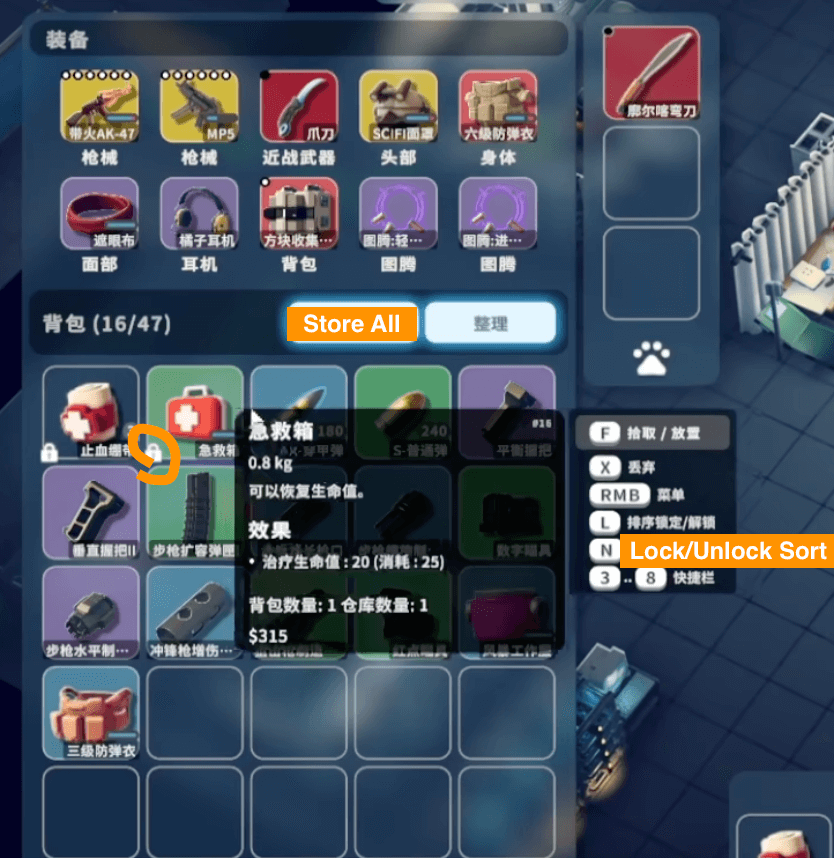
1. Lock items to avoid mis-storage
When sorting items and storing them in the warehouse, press L on the items button to lock, and then click Save All. Locked items will not be stored in the warehouse. This is useful for common items such as medicine.
2. Put away the weapon to speed up movement
Press the C key to put away the weapon, and your movement speed will usually be faster (the smaller the weapon movement speed coefficient, the faster you move with the weapon put away). This is very suitable for situations where you need to run the map and turn points.

[ [EFDL000016]]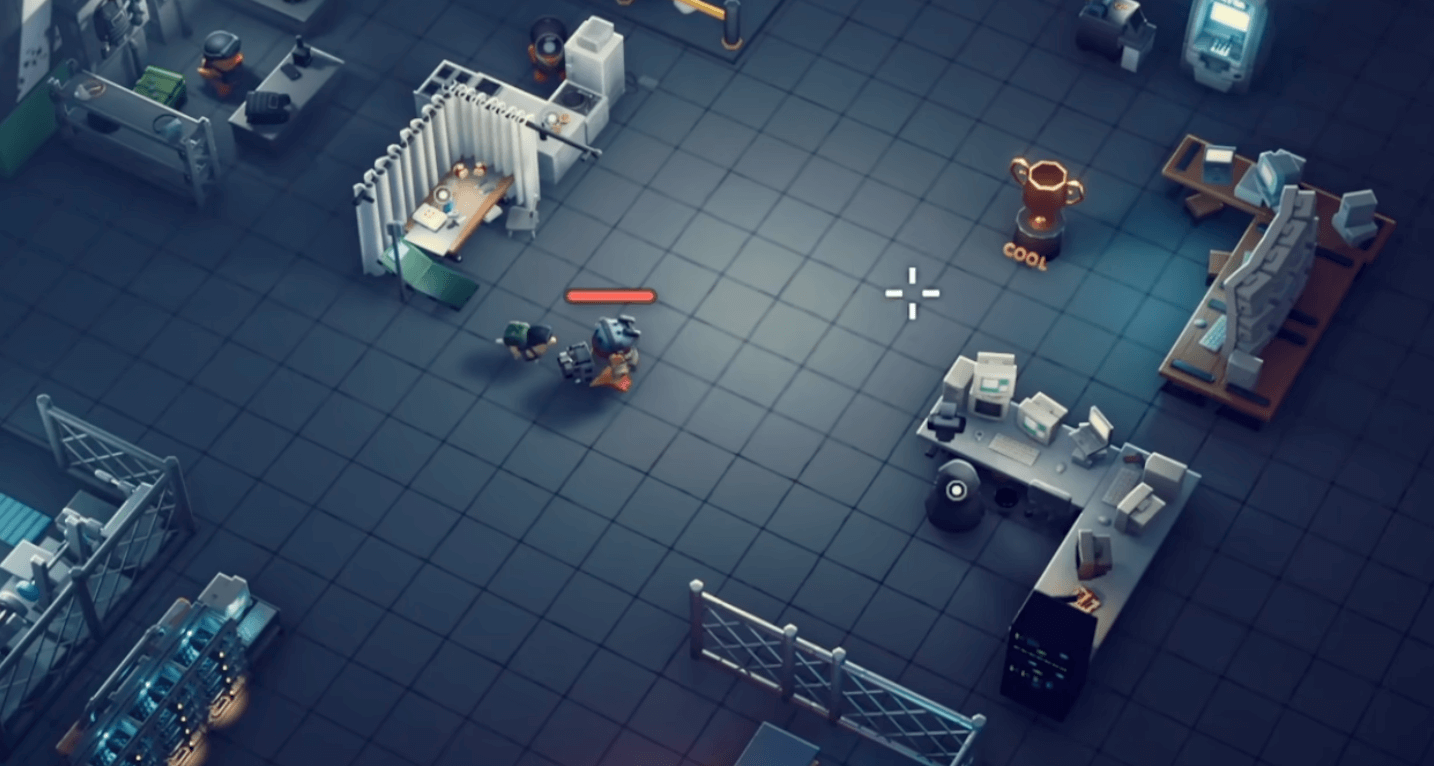
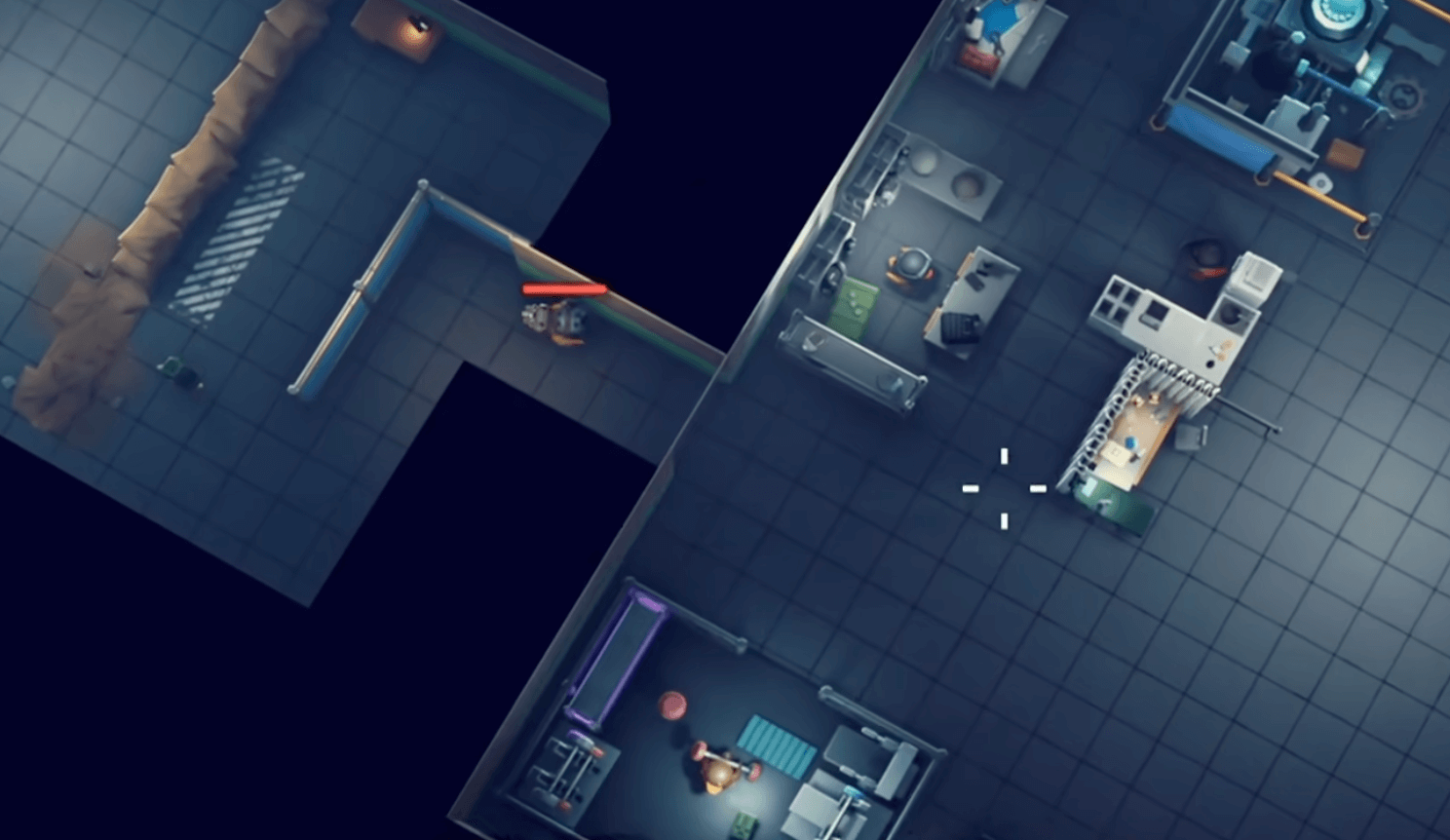
3. Switch the viewing angle
Press the Y key to switch between the default viewing angle and the vertical viewing angle.
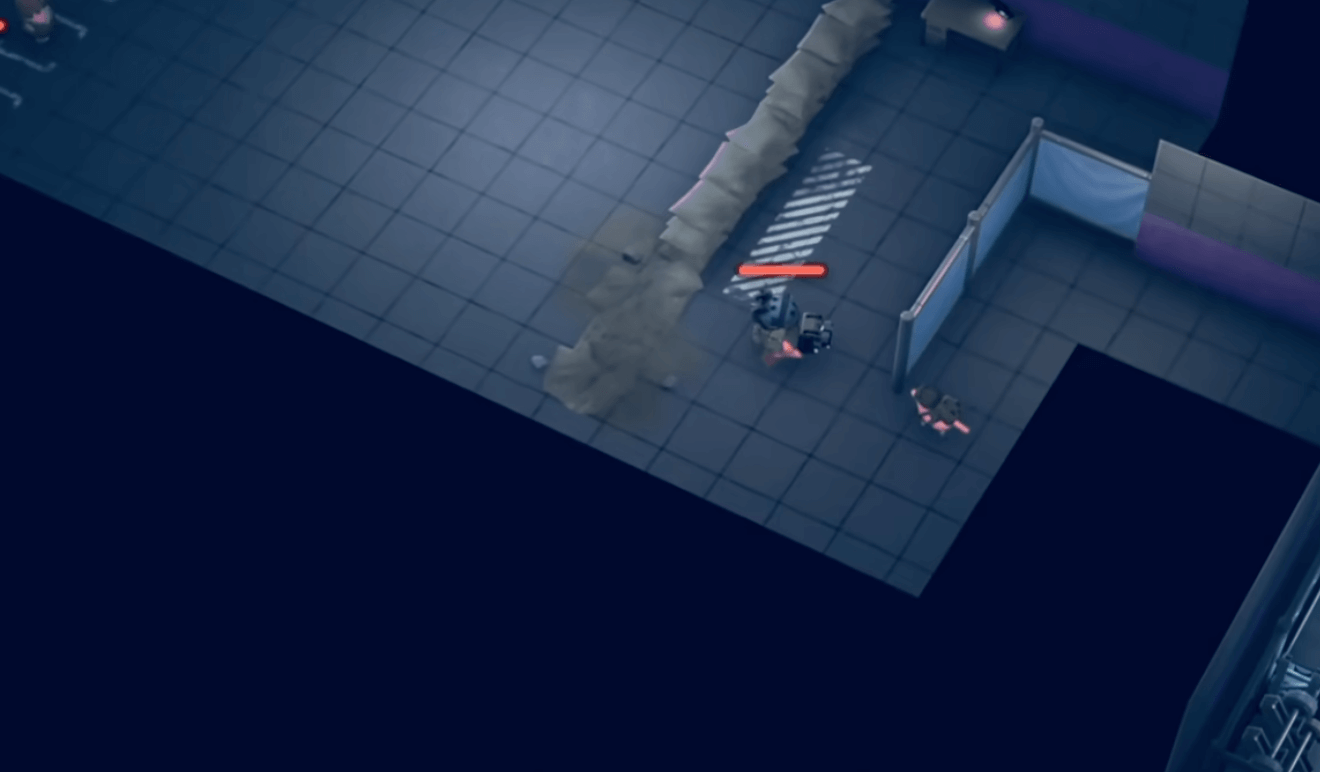
4. Quickly attach and remove facial equipment
Press the N key to remove the facial equipment. For example, you can quickly remove night vision goggles while wearing them, and quickly put them on again by pressing the N key again.
[ [EFDL000030]]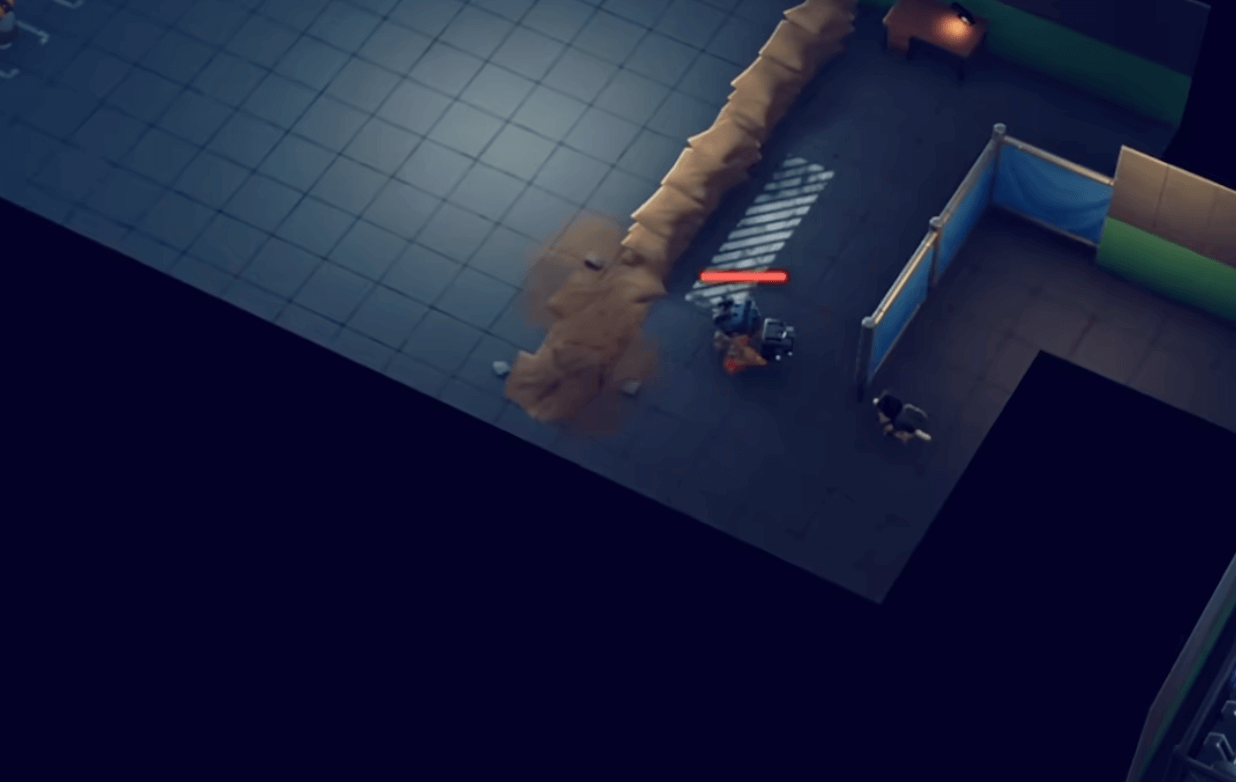
Combat
1. Aim at the head to penetrate the cover
As long as you aim at the head, the bullet can penetrate the cover and attack.

will hit the bunker when not aiming

Aim for the head to kill through the cover in actual combat

2. Recoil can also cause headshots
Aim at the head and attack, because the recoil affects the headshot of a deflected bullet.
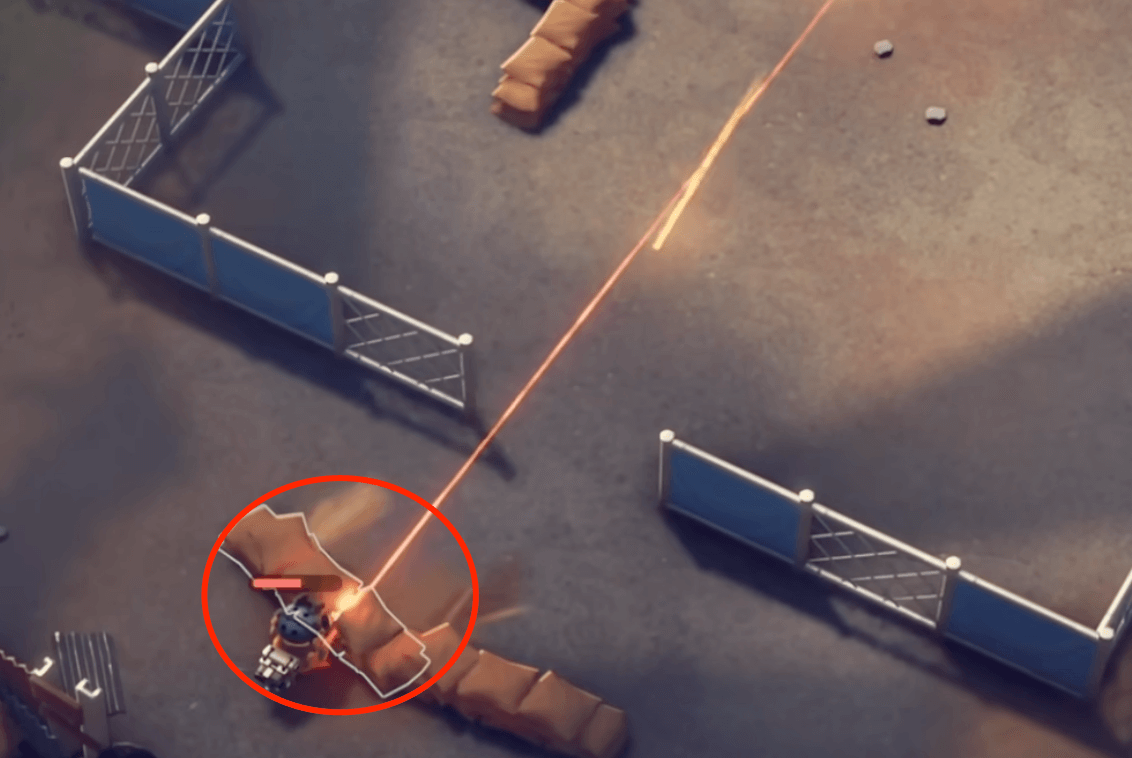
3. Use the bunker to hide.
You will enter the hidden state next to the bunker. At this time, pay attention to the white highlight on the bunker.

At this time, your bullets will not be blocked, but the enemy's bullets will hit the bunker.
4. Ammunition selection skills
Generally speaking, except for special bullets, the damage of armor-piercing bullets is the same as that of ordinary bullets, and only the armor-piercing attribute is increased. So it is enough to use rusty bullets and regular bullets in Area Zero.
5. Advantages of submachine gun hip fire
For submachine guns, after installing accessories that reduce the spread of hip fire, hip fire is generally better than aimed shooting and will not slow down.
6. Death item retention mechanism
The melee weapons, totems, and pet backpacks equipped after death will be retained. But the fishing rod will fall.
7. Sneak silently
Hold down the right button while aiming to silently walk, making it harder for enemies to spot you.
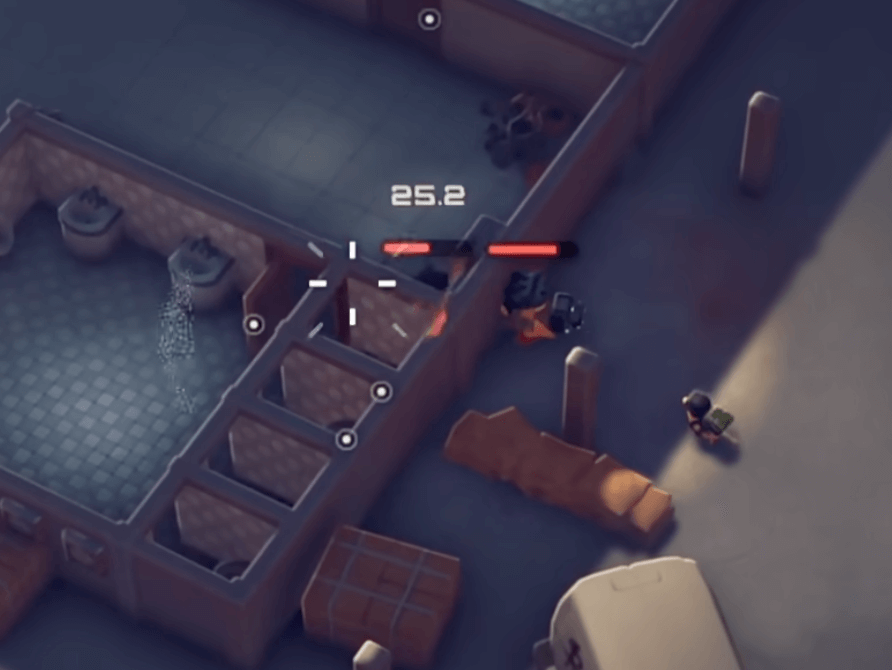
8. Melee wall-penetrating attack
Melee attack can pass through walls, and you can perform harmless attacks while walking quietly!
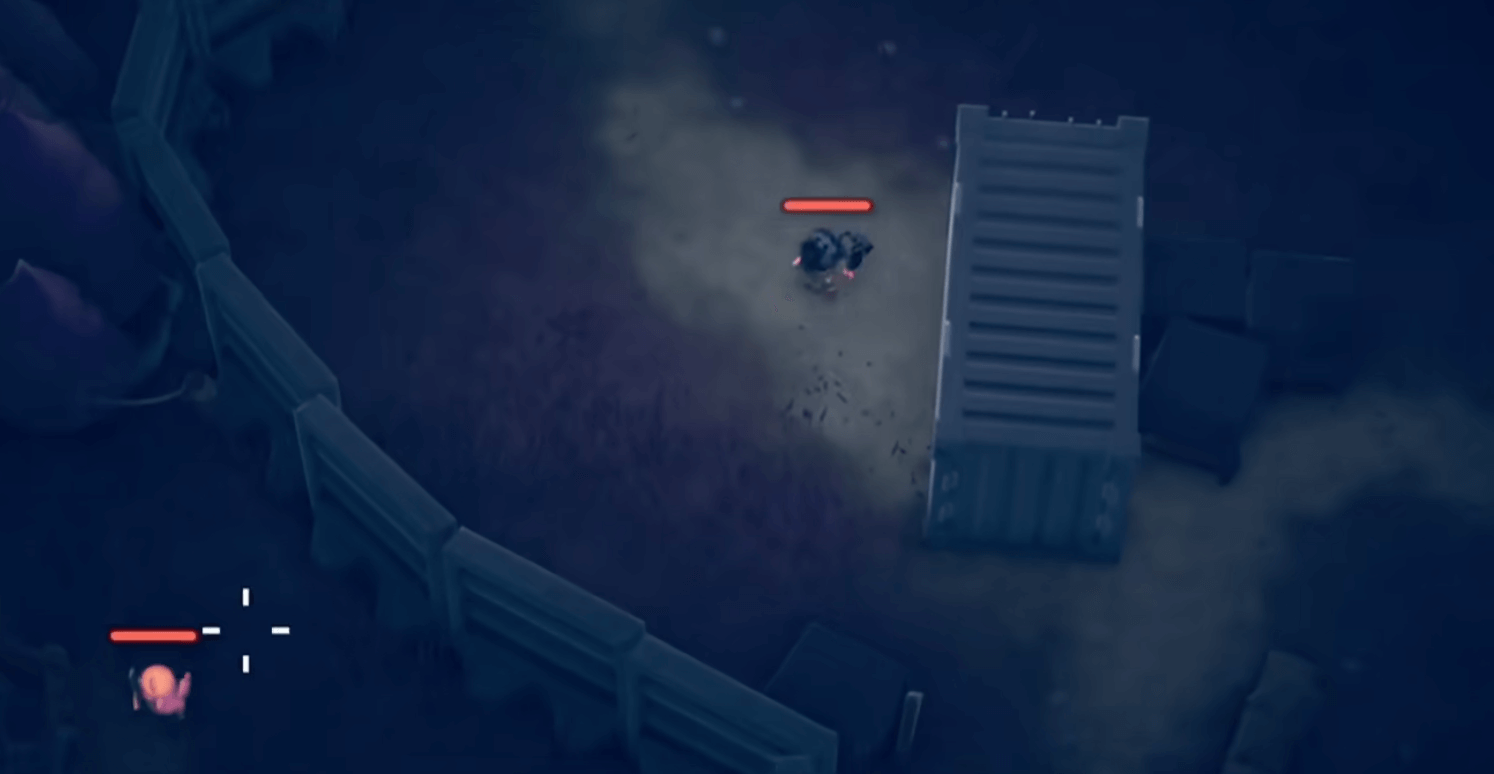
9. Eye-cloth see-through combination
Eye-cloth combined with the perception totem allows you to see the enemies behind the wall.
Base
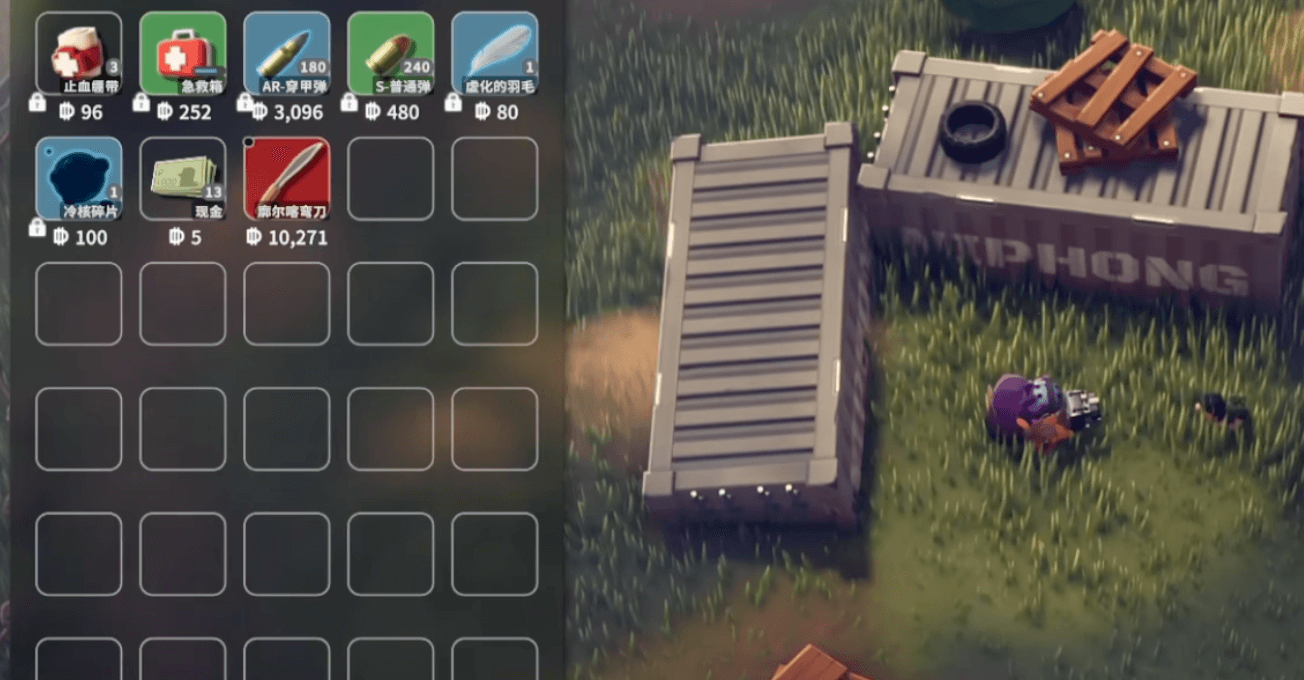
1. The price is more favorable at field merchants
The original price of the Gurkha Scimitar is 12839, but the price at the food merchant has increased to 13352
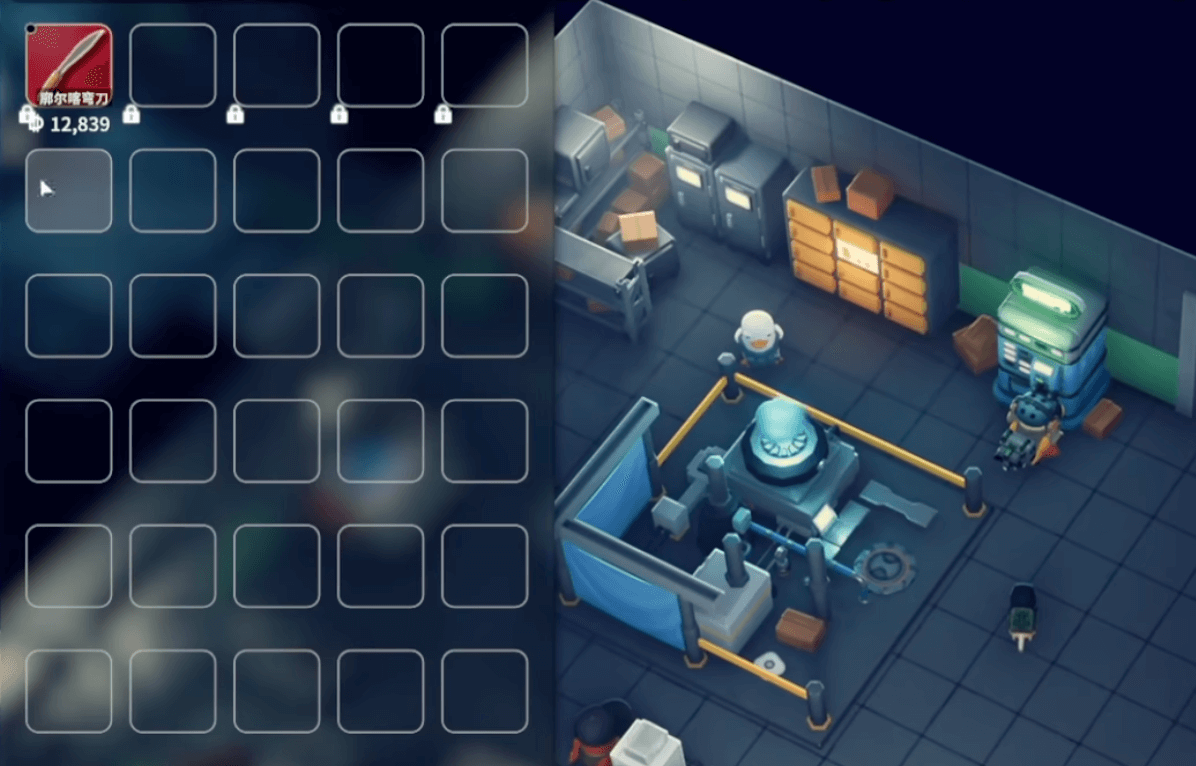
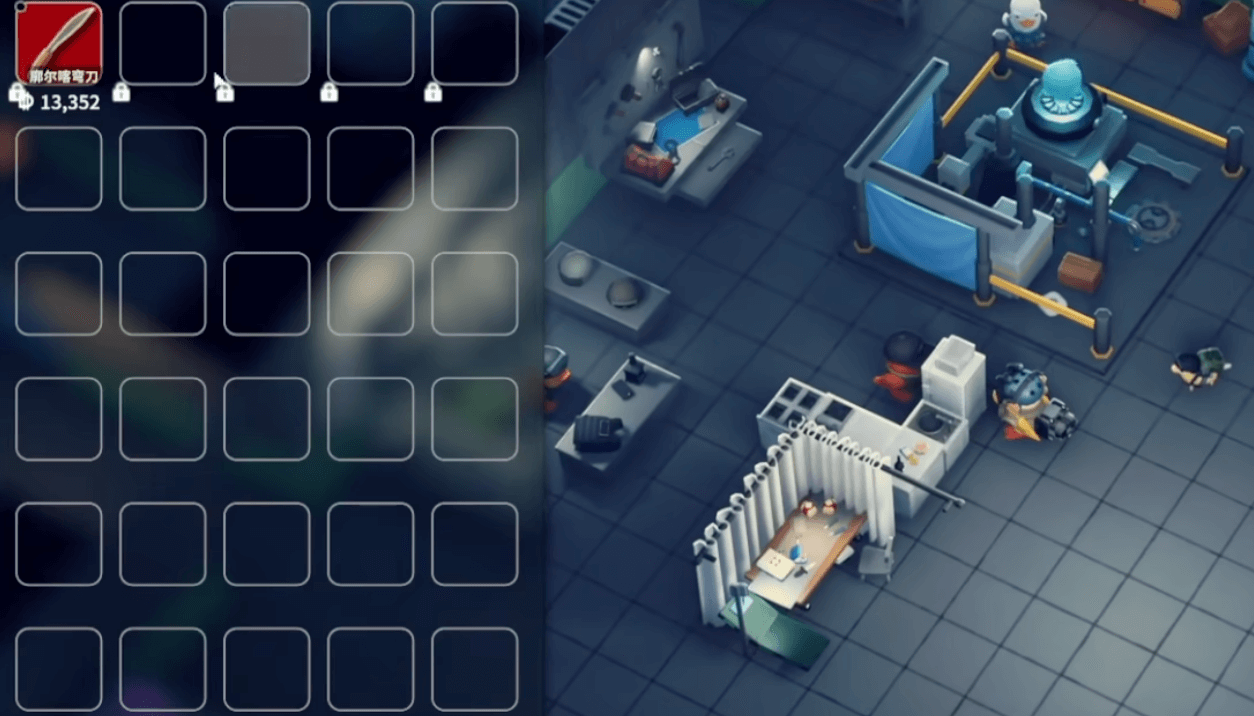
But the price in the wild is reduced to 10271! !
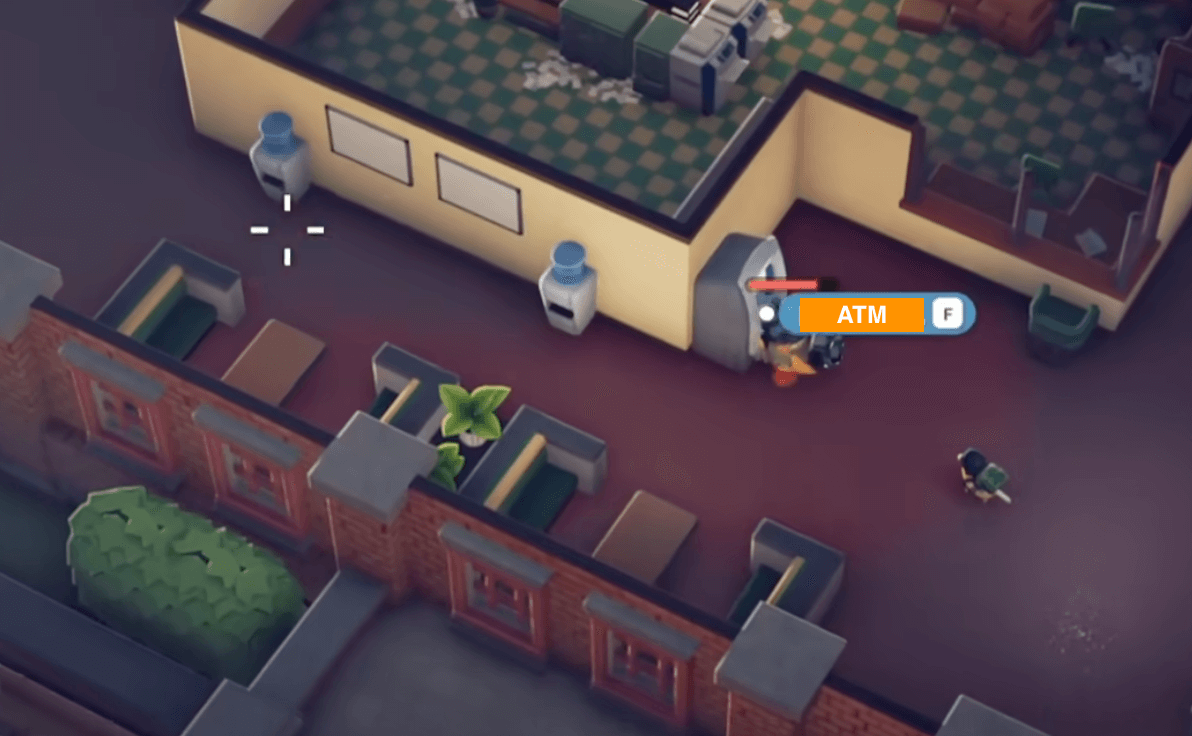
2. Withdraw money from the ATM in the City Hall
There is an automatic teller machine (ATM) in the City Hall. If you don’t have enough money to buy something, you can teleport there to withdraw money.
3. Free meals at the base
Every time you return to the base, you can have a free meal in the kitchen.
4. Black market prices fluctuate greatly
Some items can be sold on the black market. There are almost no upper or lower limits on the price of refreshed items in the black market, and they only depend on the type of item (dice, advanced armor-piercing bullets and other toys, medicines, equipment, accessories, bullets). You can install an infinite refresh mod to try it out.
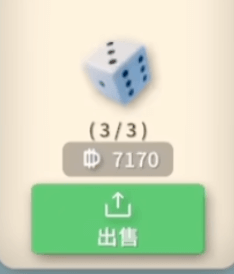
5. The trading interface allows quick access to the warehouse
Merchant and other item trading interfaces can slide down the mouse wheel to enter the warehouse, which is very fast.
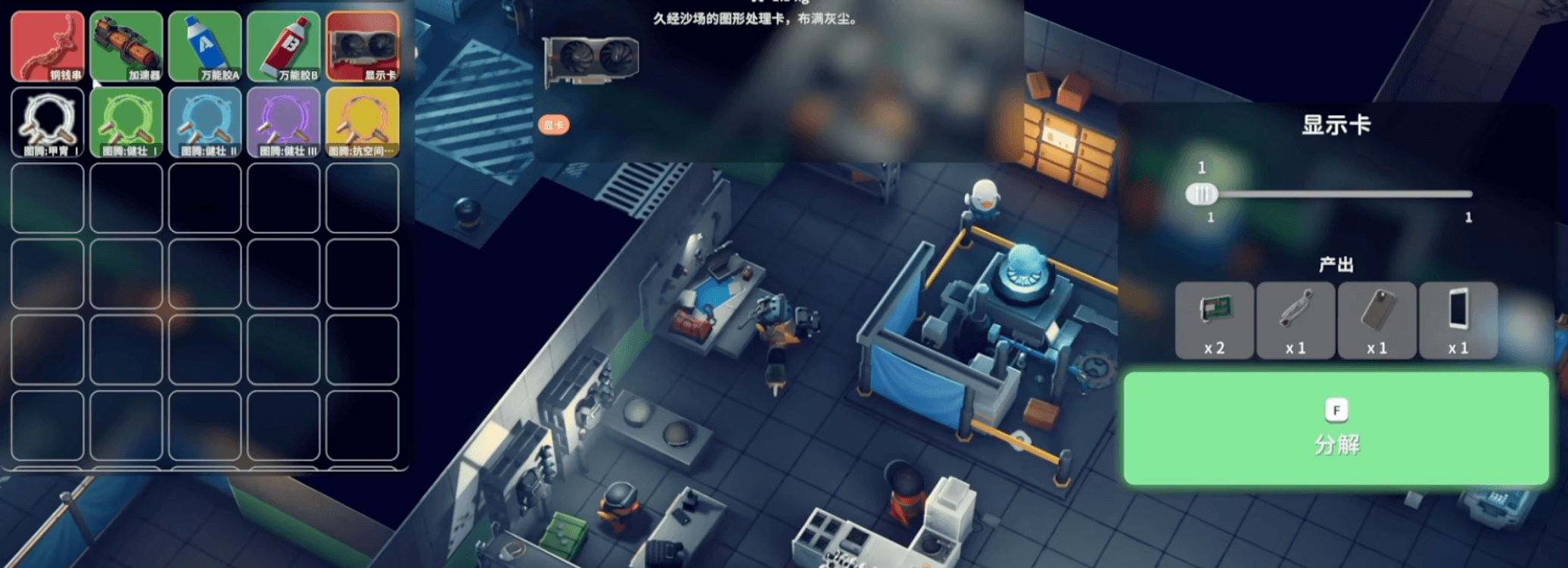
6. Obtain advanced items by decomposing them
Some props can be obtained by decomposing advanced items (for example, a graphics card can be decomposed to obtain a mobile phone).
7. The income from opening boxes is positive
All boxes and keys can be earned back. Benefits such as red envelopes, tool boxes, and XO keys all have positive expected values.
Others
1. Rollback function
is related to rollback. When you accidentally sell equipment by mistake or suffer heavy losses, you can try to rollback on the main menu interface.

Reference video: https://www.bilibili.com/video/BV1yksVztESU
人気記事
すべての記事を見るEscape From Duckov Special Conditions Fish Guide: Weather, Time and Bait
Compile the fish appearance map, day and night weather and bait requirements for Escape From Duckov's special conditions, and share practical methods for finding fish schools and fishing spots on rainy days.
Escape From Duckov practical module recommendations and installation tutorials
It is recommended to display the Escape from Duckov module that displays the value, rarity, income and convenient operation of items without changing the balance, and explains how to subscribe to the creative workshop, enable it and troubleshoot conflicts.
Escape From Duckov Fishing Guide: Quick Check on Fish Spots, Fish and Conditions
Summarize fishing spots on the Escape From Duckov map, and organize fish names, time, weather and bait conditions to quickly find target fish and complete fishing tasks.
How to get the Escape from Duckoff Storm Suit and Helmet
Explain the difference between the storm work suit and the space protection suit, as well as the acquisition location and wearing rules, and analyze the damage caused by space disturbance and space distortion and the use of protective needles.
Analysis of aiming time mechanism and equipment of Escape from Duckov
Dismantling the calculation method of the real aiming time of Escape from Yakov, distinguishing the aiming time of firearms, hip-fire dispersion and aiming dispersion, and giving ideas for accessories of weapons such as M107.